
Photo Editing by Photoshop
This category covers everything you need to know about photo editing by Photoshop to improve its quality. It also includes all retouching techniques, including restoration and frequency retouching.
-
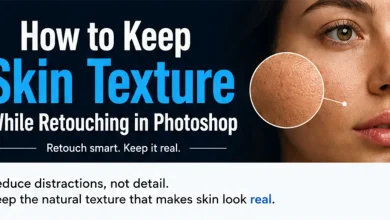
How to Keep Skin Texture While Retouching in Photoshop
One of the most common mistakes beginners make when retouching portraits is removing too much detail. Smooth skin may look…
Read More » -

Screen vs Color Dodge: Which Blend Mode Creates Better Light Effects?
Light effects can dramatically change the mood of an image. Two blend modes often used for this purpose are Screen…
Read More » -
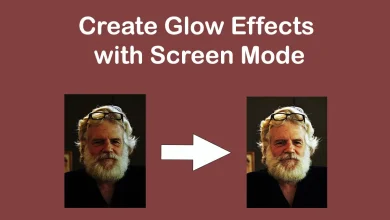
Create Glow Effects with Screen Mode in Photoshop
Screen is one of the most useful blend modes for creating light effects in Photoshop. Unlike darkening blend modes, Screen…
Read More » -
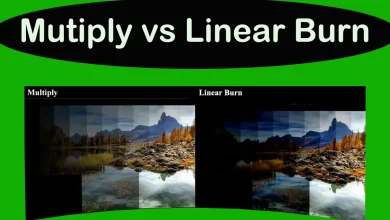
Multiply vs Linear Burn: Which Blend Mode Creates Better Shadows
Blend modes can dramatically change the mood and contrast of an image. While Multiply and Linear Burn both darken layers,…
Read More » -
How to Retouch Skin Naturally in Photoshop
One of the biggest mistakes Photoshop beginners make is removing every imperfection they see. While the result may look smooth…
Read More » -
Overlay vs Soft Light in Photoshop
Photoshop includes several contrast blend modes, but two of the most commonly used are Overlay and Soft Light. At first…
Read More » -
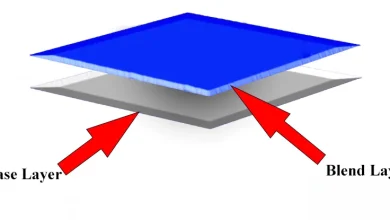
Photoshop Blend Modes | Function and Shortcuts
In this article, I will provide a comprehensive explanation of how Photoshop Blend Modes (also known as Blend Modes) function…
Read More » -
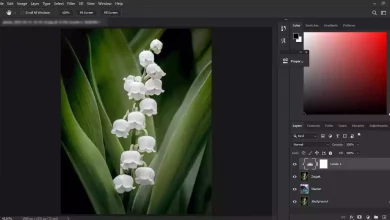
Adjust Levels | Photoshop
Levels is one of the most useful adjustment tools in Photoshop for correcting exposure and improving contrast. Whether an image…
Read More »