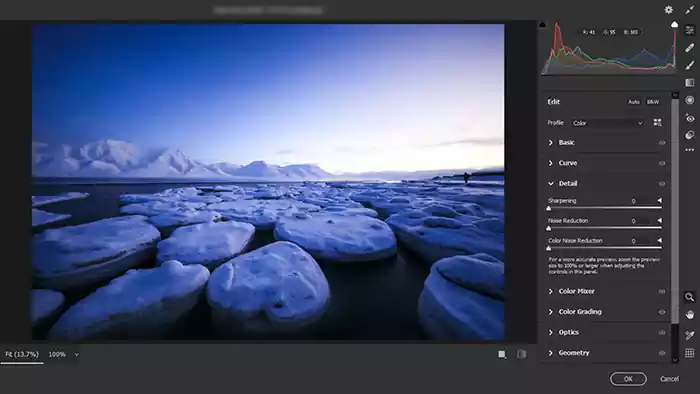
RAW files contain more image information than JPEG files, giving photographers greater control over exposure, highlights, shadows, and color adjustments. Photoshop includes Adobe Camera Raw, a powerful editing workspace that allows you to make non-destructive adjustments before opening the image in Photoshop.
Why Photographers Use RAW Files
Unlike JPEG images, RAW files preserve much more data captured by the camera sensor. This extra information makes it easier to recover details from bright highlights, improve shadow areas, adjust white balance, and make accurate color corrections. Because edits are applied non-destructively in Camera Raw, photographers can experiment with adjustments without permanently changing the original file.
Opening a RAW File from Windows Explorer
Depending on the type of Windows, enter Windows Explorer from My Computer or This Pc and double-click on the raw file you want.
New to Photoshop? Browse our Basic Photoshop Tutorials category for beginner-friendly lessons covering essential tools, settings, and workflows.
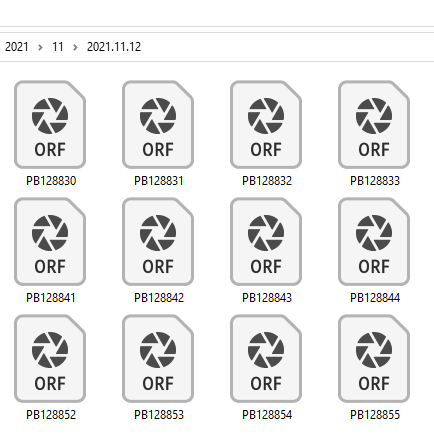
Photoshop will automatically launch Adobe Camera Raw, where you can review and adjust the image before opening it in the main Photoshop workspace.



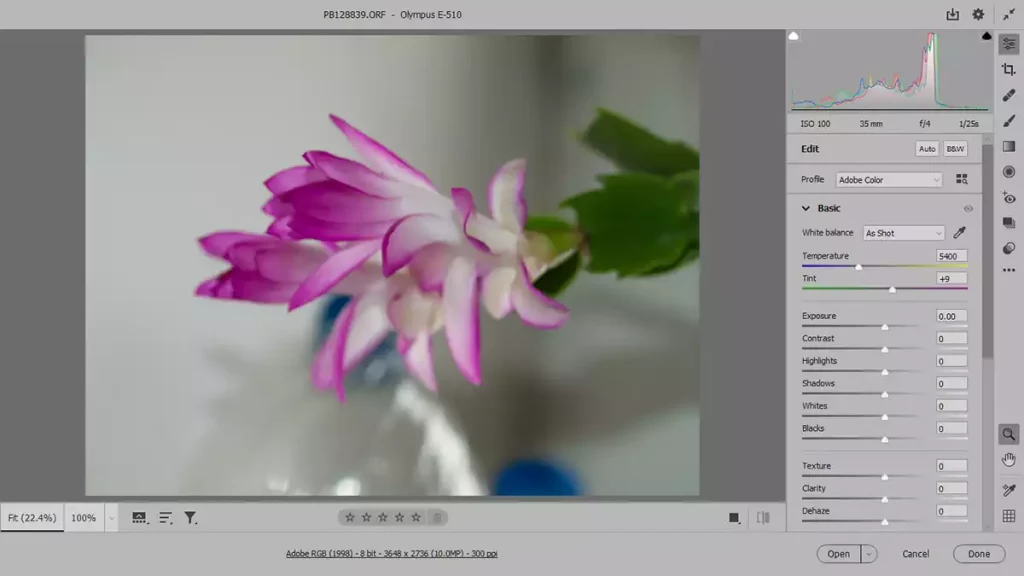
After opening and editing a RAW image, you may want to place it inside a larger design project. Learn how to create a new document in Photoshop and set up the correct canvas size.
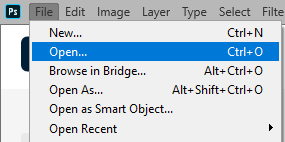
You can also open the raw file like any other image file via the File menu:
File >> Open, or by using the shortcut key Ctrl+O.
How to open the camera raw image in Bridge
When browsing jpg and png images with Windows Explorer, you can see a preview, but Windows cannot display the raw image.
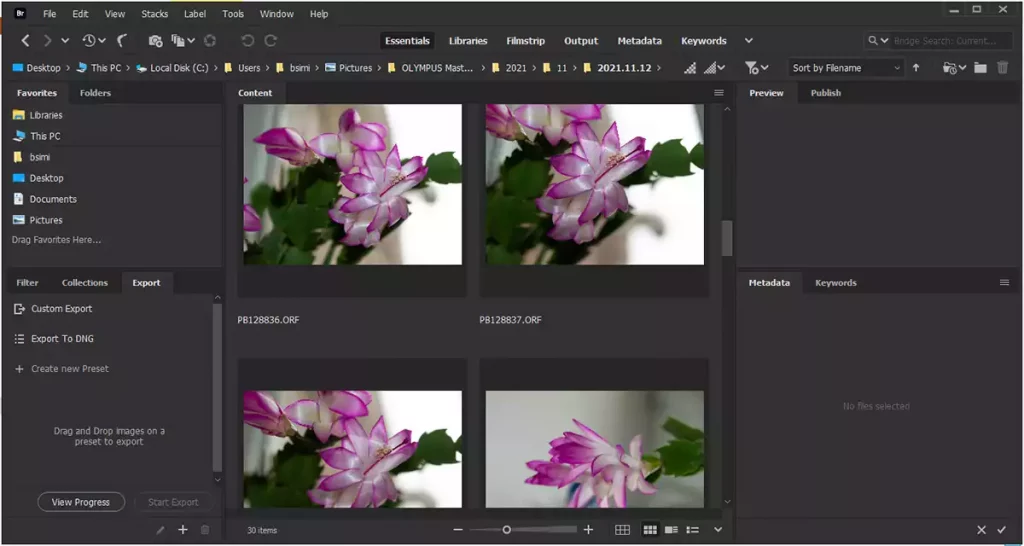
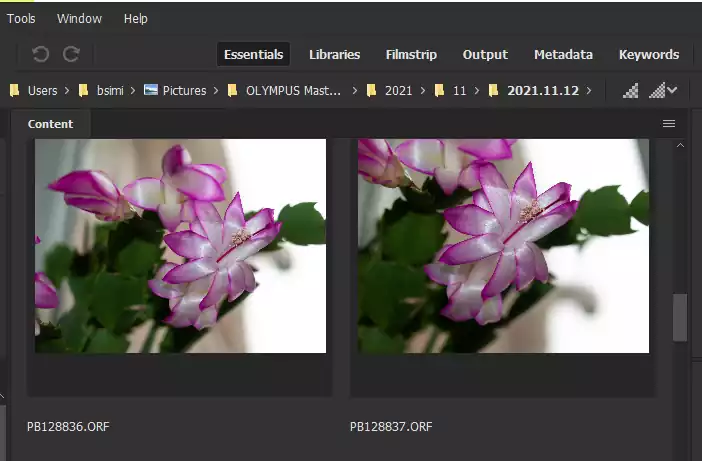
One essential advantage of using bridges in browsing images is seeing the view of raw files. You can easily open raw images in Photoshop and Camera Raw by double-clicking on them.
How to save a raw file in Photoshop
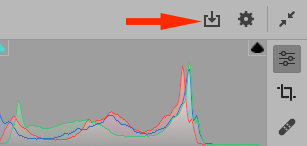
After adjusting an image in Camera Raw, you can click on the icon on the right-top of the screen. The Save Options box will then open. There are options for saving the file, destination, name, and format.
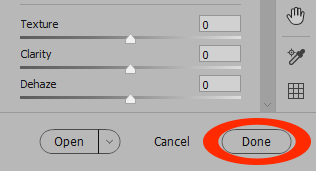
If you click the Done button at the bottom right of the screen, you will save the changes to the current raw file.
Sources